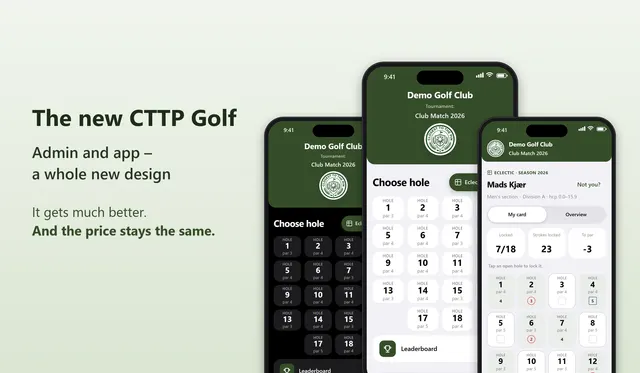
It's been the most requested feature these last couple of months, and it's built so you can set it up in under five minutes.
The button design, the club logo and the access are all controlled from hub.cttp.golf. You don't need to touch the code on the club site every time something changes.
What's new?
Until now, finished tournaments and hole-by-hole results have only existed inside hub.cttp.golf. That meant the club administrator had to log in every time they wanted to see how the latest tournament played at the golf club went.
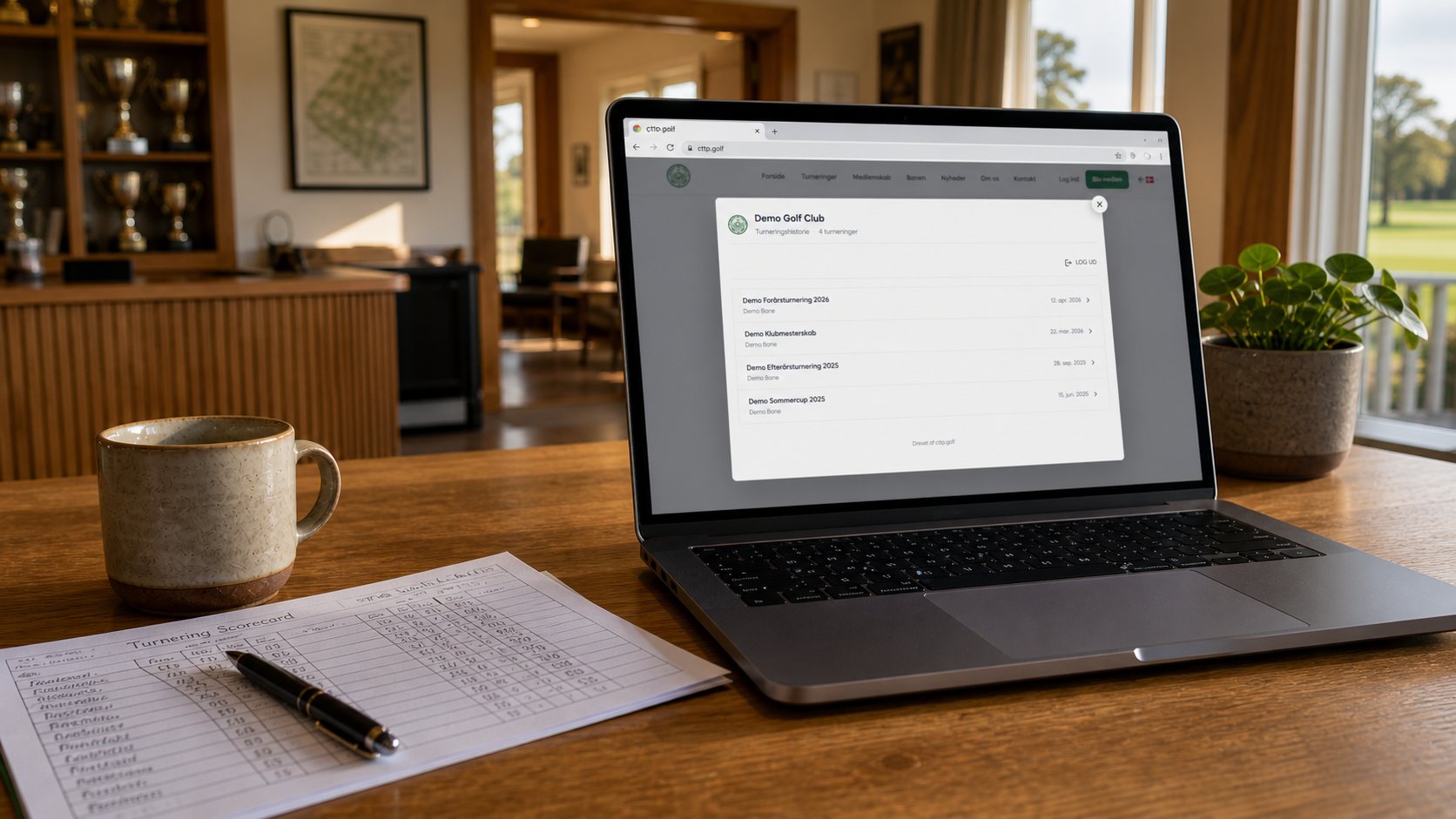
With History Embedding you paste one small line of code onto the golf club's website. A button appears in your own colors, and when a member clicks, the entire tournament archive opens in a popup in the middle of the screen.
Setting it up
Under Integrations you'll find "History Embed". From there you choose three things:
- →Button design: background color, text color, border color, border radius and size. A live preview shows you exactly how the button will end up looking
- →Password: a code you choose yourselves and share with members. Once a player has typed it in, they have access for 24 hours
- →Allowed websites: only the domains you whitelist can use the script. Nobody can copy the code onto another site and misuse your data
Once the setup is saved
You get a script tag you simply paste into the club website, for example into an HTML block in WordPress, Squarespace or whatever you're using.
What do members see?
A click on the button opens a popup in the middle of the screen. The password is typed in once, and the player lands on an overview of every finished tournament sorted by date. A click on a tournament shows the entire scoreboard:
- →Final standings per player
- →Hole-by-hole scores
- →Hole in One and special achievements marked
- →Print-friendly layout if they want to keep the result
It works everywhere
The layout is fully responsive. A member can check how the last tournament went while standing on the 1st tee waiting to hit off.
Try it here in the article
We've put four fictitious tournaments from "Demo Golf Club" below. Click the button, type in the password, and see for yourself what it looks like for your own members. The demo runs on the same design and the same data your own integration will use. There's no special version that only works here. All names in the demo are fictional.
Password: demo26
Getting started
How long does it take?
The whole setup takes under five minutes. The design, the password and which domains can use the script are all things you can change at any time, without touching the club site itself.